Embed a Rive animation on your website.
Paste your .riv URL, choose the fit, and copy an iframe embed code.
The .riv needs its own public link. Host it on GitHub (use the Rawlink) or jsDelivr, then paste the direct link here. Google Drive and Dropbox share links won't work. Read the guide.
Showing a sample file. Paste your own .riv URL above to embed yours.
<iframe
  src="https://rivemasterclass-v2.vercel.app/player.html?src=https%3A%2F%2Frivemasterclass-v2.vercel.app%2Frive%2Fcourse_progress.riv&fit=contain&artboard=Avatar"
  width="600"
  height="400"
  style="border:0;background:transparent"
  loading="lazy"
  allowfullscreen
  title="Rive animation"
></iframe>
Add Rive to any site with an iframe
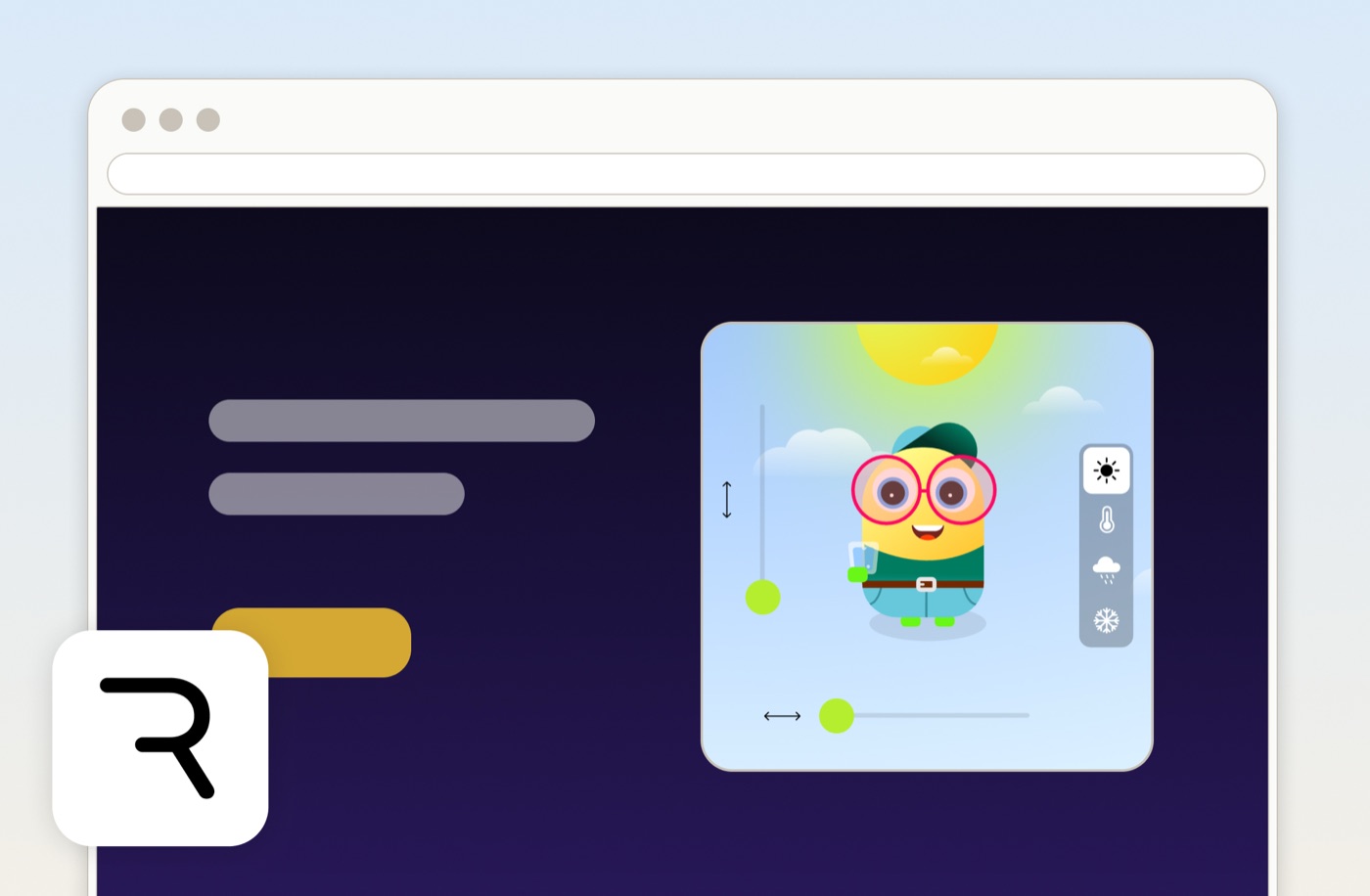
A .riv file will not play on its own when you upload it to a website. This free tool wraps your animation in our Rive player and gives you an iframe embed code you can paste anywhere. The player runs the full Rive runtime, so state machines, data binding, and interactivity all keep working. Your file stays on your own URL, and there is no account to create.
How it works
Host your .riv file
Put the .riv on any public URL: GitHub, a CDN, your own server, or your site's assets folder.
Paste the URL and set options
Drop the link in, pick the fit and size, and set an artboard or state machine if your file has more than one.
Copy the embed code
Copy the iframe snippet and paste it into your site. It works in plain HTML, Webflow, WordPress, and most website builders.
From the blog
View all articlesThe full walkthrough: where to host the file, responsive sizing, cache-busting, keeping the .riv light, and when you need a few lines of code for live data.
Frequently asked questions
Other free Rive tools

Rive Shader Library
28 shaders running live in your browser. Tweak the knobs, then take any of them into Rive as a ready-made GPU Canvas node.
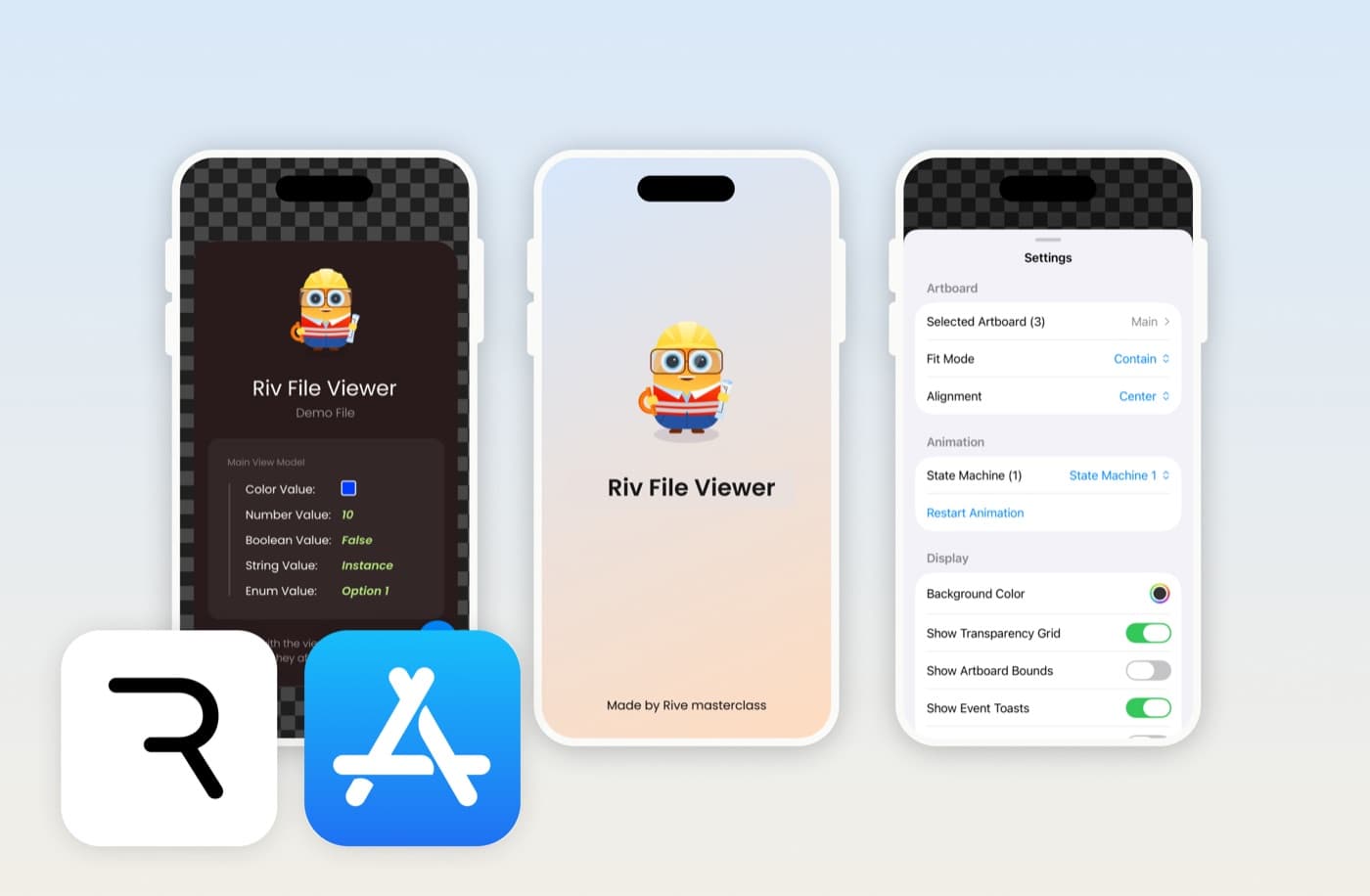
Riv File Viewer
Open, preview and debug .riv files on iPhone and iPad. Control state machines, edit data binding, and inspect assets.
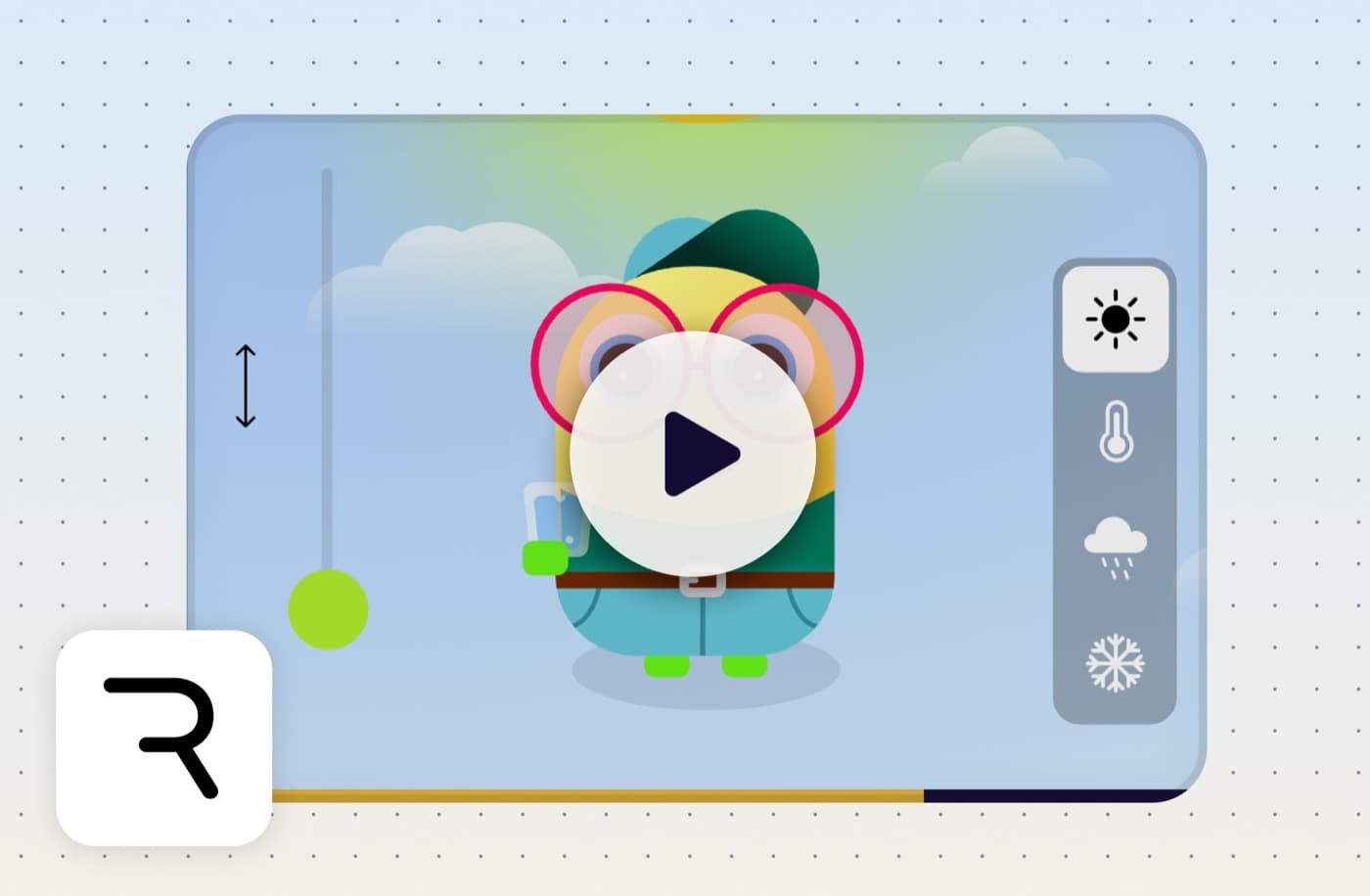
Rive to Video Converter
Record a Rive animation playing and save it as a shareable mp4. Runs in your browser, nothing gets uploaded.