Free tools for working with Rive files
Open, preview, convert, and embed .riv files. Built by Rive Masterclass to make everyday Rive work easier. No account needed.

Rive Shader Library
28 shaders running live in your browser. Tweak the knobs, then take any of them into Rive as a ready-made GPU Canvas node.
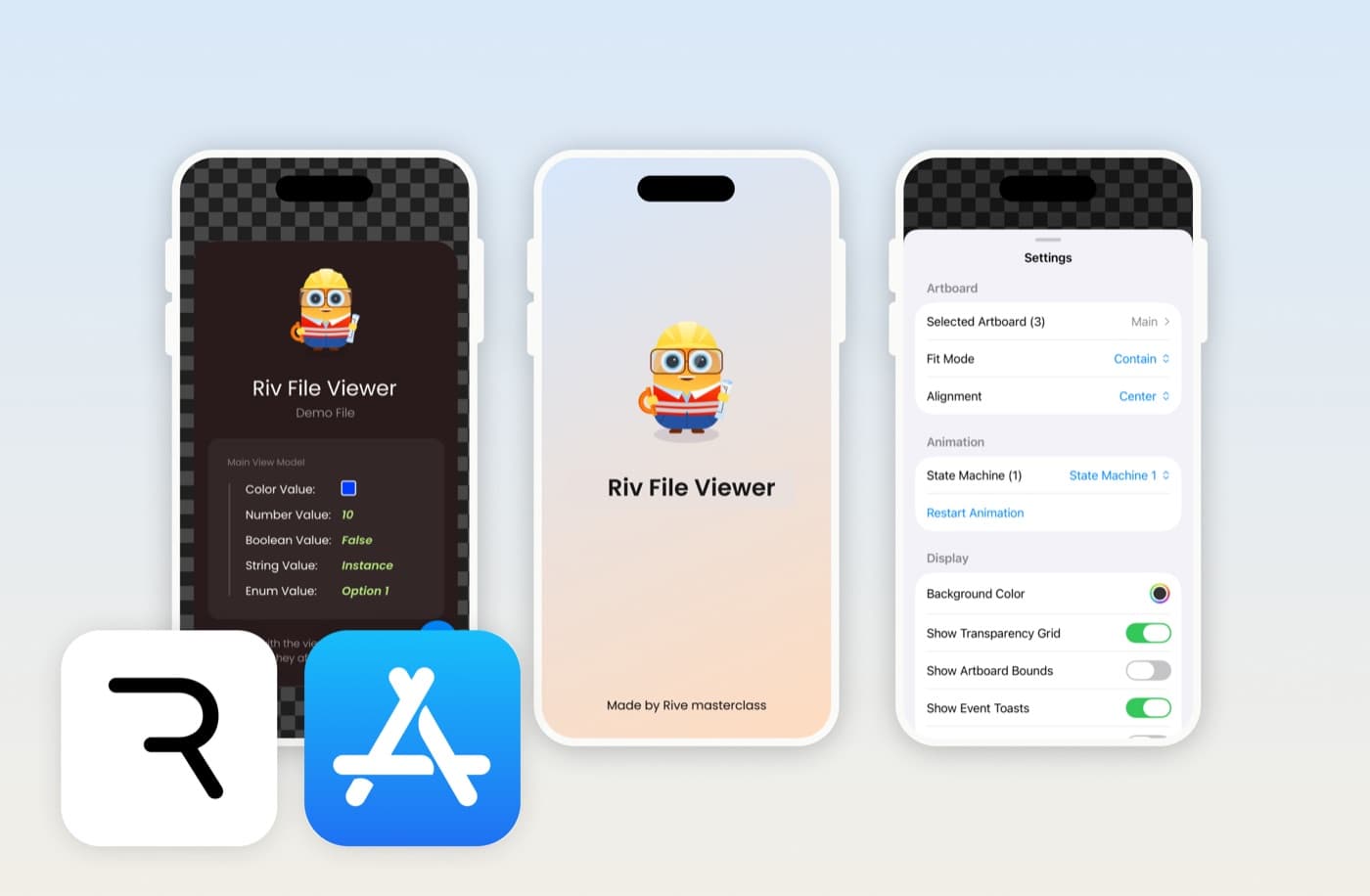
Riv File Viewer
Open, preview and debug .riv files on iPhone and iPad. Control state machines, edit data binding, and inspect assets.

Rive to Video Converter
Record a Rive animation playing and save it as a shareable mp4. Runs in your browser, nothing gets uploaded.
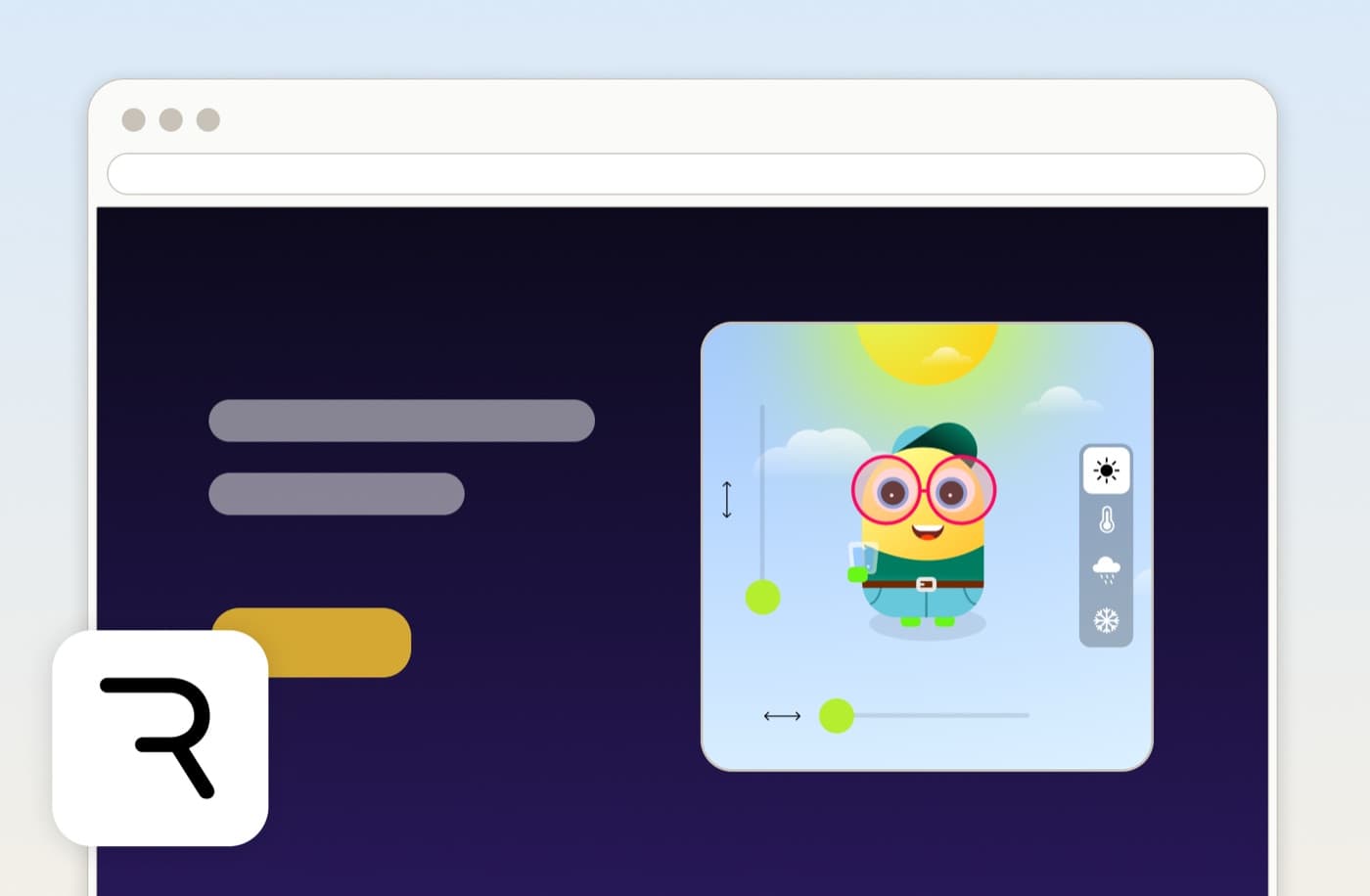
Embed Rive on Your Website
Paste a public .riv URL and copy an iframe embed code. Add a live Rive animation to any site, no SDK needed.
Working with Rive files
A .riv is Rive's file format for interactive, animated graphics. It stays sharp at any size and weighs a fraction of a video or GIF, which is why it turns up in apps, websites, and product UI. But a .riv will not open like an image or play like a video, so a few everyday tasks need the right tool.
To open and inspect a file, the Riv File Viewer previews any .riv on iPhone or iPad. To share your animation where a .riv will not play, the Rive to Video Converter records it as an mp4. And to put a live animation on a page, the embed tool gives you an iframe you can paste anywhere. All three are free and run without an account.